
The tech world is always evolving, and with that evolution comes the natural lifecycle of operating systems. For many years, Windows 10 has been a reliable companion for millions of users worldwide. However, as of October 14, 2025, mainstream support for Windows 10 officially ended.
This marks a significant shift, and it’s crucial for every Windows 10 user to understand what this means for their PC and their online security. Let’s break down the key implications:
What Exactly Happened on October 14, 2025?
On this date, Windows 10 officially ceased receiving regular security and feature updates. Think of it like a popular TV show that’s aired its final episode – it’s still there to watch, but no new content is being produced.
The Immediate Impact on Your PC
1. No More Security Updates (Without ESU): This is perhaps the most critical point. Without an Extended Security Updates (ESU) program, your Windows 10 PC will no longer receive the vital security patches needed to protect against newly discovered viruses, malware, and other cyber threats. This leaves your system increasingly vulnerable to attacks.
2. Your PC Still Works (For Now): Don’t panic! Your Windows 10 operating system won’t suddenly stop working the day after support ends. You’ll still be able to boot up your computer, access your files, and run your applications. However, the lack of ongoing security support is a ticking time bomb.
3. No New Features or Quality Updates: Gone are the days of exciting new features and performance enhancements for Windows 10. Your operating system will remain as it was on October 14, 2025, without any further improvements or bug fixes.
4. Technical Support Has Ended: If you encounter any issues with your Windows 10 system, Microsoft will no longer provide technical support. This means you’ll be on your own to troubleshoot problems.
Your Options Moving Forward
So, what should you do if you’re still on Windows 10? You essentially have two main paths:
Option 1: Extended Security Updates (ESU) Program
For those who aren’t ready to upgrade immediately, Microsoft offers an Extended Security Updates (ESU) program. This provides up to one additional year of critical security updates. It’s a temporary solution to bridge the gap, but it’s important to remember that it’s not a permanent fix.
Option 2: Upgrade to Windows 11
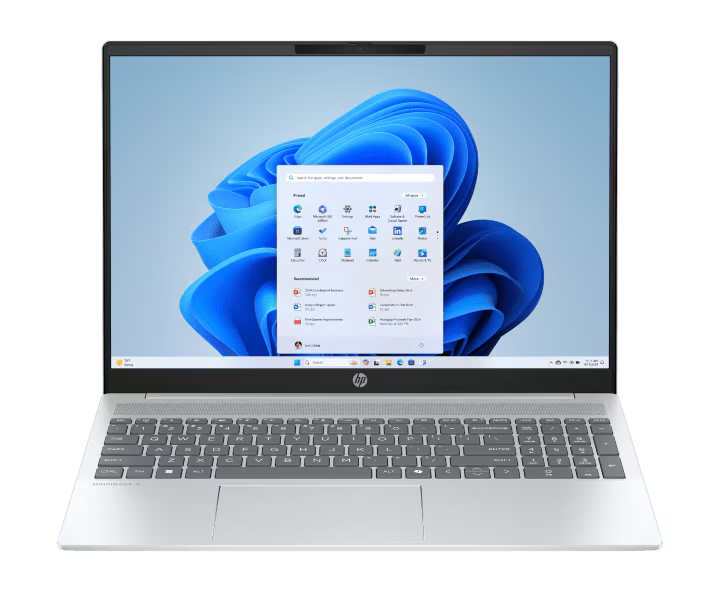
The most recommended and future-proof solution is to upgrade to Windows 11. This newer operating system offers enhanced security features, a refreshed user interface, and continued support from Microsoft. However, you’ll need to check if your hardware is compatible with Windows 11’s requirements.
Why Upgrading is Important
Staying on an unsupported operating system is a significant security risk. Cybercriminals constantly exploit vulnerabilities, and without regular updates, your personal data and privacy could be compromised. Upgrading to Windows 11 or enrolling in the ESU program provides the necessary protection to keep your digital life safe.
The Future is Now
The end of Windows 10 support marks a new chapter in personal computing. While change can sometimes feel daunting, it also brings opportunities for improved security, performance, and features. Whether you choose to leverage the ESU program or make the leap to Windows 11, taking action now is crucial to safeguard your digital experience.